Ben i'm only using gimp

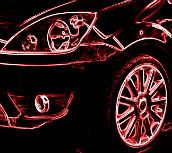
Load the picture.
Copy and paste as a new layer.
Select the bottom layer and adjust hue. It's under the colours tab at the top. By moving the hue tab will change colour. Don't worry you won't be able to see it yet so just move it all the way to the left.
Select the top layer and choose the eraser tool. Choose bruch type galaxy, big. Then erase the areas you want to change colour. Adjust tool size to suit. If you go over the edges hold 'alt' and delete the over spill.
Now re select the bottom layer and adjust the hue and saturation to the colour you want. Save as an image and your done. Save as a project .xcf and you can come back to it and change the colours at a future time.


Took longer to write this than do it






 Site Supporter



 maybe you should do that Rob?




 Previous Topic
 Index
Index
