Right click on a picture you want to put on the site
Open With
Paint:

Then when the picture is in paint. Click on "Image" Then "Stretch/Skew":

Then in this box change the two top numbers to 30:

Make sure you save the smaller versions somewhere other than your ACTUAL pictures because if you dont you could end up just reducing the quality of your ACTUAL pictures (I save mine in a seperate folder called "pictures resized for the site") this means whenever i want a small piccy i just look in there
Then your ready for your post:
Type what you want then click "image uploader" at the top of the web page, click browse button then simply go to where you saved them (pictures resized for the site) And put them all on in there own lickle box then press upload at the bottom

When you get all the text just highlight it and right click "copy" then paste it in your post
Hope this helps iceman




 24/03/05 to 27/06/12 & I loved it




 s Daily
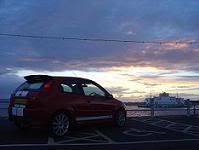



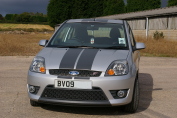


 "How far is it now Kev?"
"7 miles!?"
"How far is it now Kev?"
"7 miles!?" 
 Previous Topic
 Index
Index